 Sayonara Player





AppImage
Download
Download a Sayonara AppImage file here.
Execute/Run an AppImage
In order to run an AppImage file, you need to make it executable first.
This can be done via file manager or command line:
Command line
chmod +x sayonara-<version>.AppImage
./sayonara-<version>.AppImage
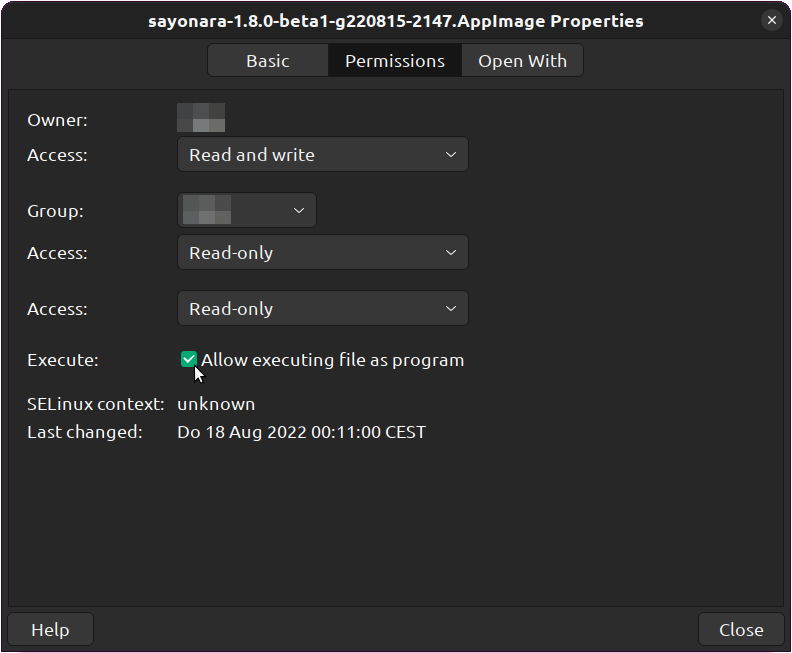
File Manager
Right click on file, properties, mark file as executable
If you want a special version just contact me and ask me to create one.